Windows XP Service Pack 3 enables this old operating system to support many new programs and apps, and also enhances security and provides stability for legacy systems. If you are still using Windows XP and want to make your PC more secure and reliable, then you should download Windows XP Service Pack 3 offline installer and install it right away. It is one of the must-have programs for Windows XP.
What is Windows XP Service Pack 3?
Windows XP SP3 32-bit is the most crucial update for XP users. Although Windows XP is one of the oldest and most obsolete operating systems, many people still use it to run their older PCs. It is the last major update for this system, containing several new updates, security fixes, and compatibility fixes, including all the previously released updates.
It was released as KB936929 and contains several new security patches and some performance enhancements. Windows XP Service Pack 3 is one of those essential applications that should be installed on their old PC so that the computer gets the latest security updates and also it can work till the specified time. Service Pack 3 (SP3) for Windows XP 32-bit is the final service pack update for Windows XP and contains all previously released updates for this operating system.
How to install Windows XP SP3 using the offline installer?
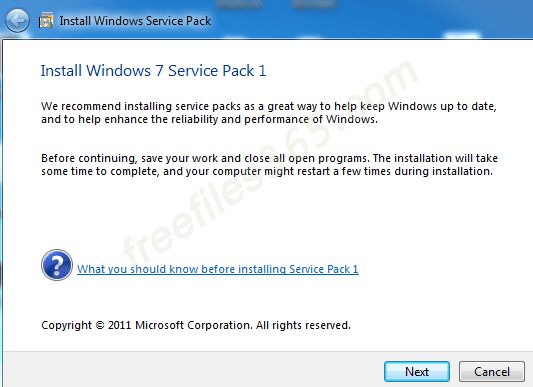
Using the offline installer of Windows XP SP3, you can install the update like a regular software, and you don’t need any bootable USB or CD. First, download the installer to your PC. Then double-click on it to start the installation process and follow the onscreen instructions. Note that your system must already have either Service Pack 1 (SP1) or Service Pack 2 (SP2) installed before installing Service Pack 3.
Technical Details:
- Program Name: Windows XP SP3
- Developer: Microsoft.
- Version: KB936929
- Category: System Update
- File size: 316 MB
- OS Required: Windows XP SP1 or SP2 (x86)
Download Windows XP Service Pack 3:
Frequently Asked Questions (FAQs):
What is a Windows Service Pack?
A Windows Service Pack is a single installable package of cumulative updates that includes all the previously released updates, as well as new updates designed for a particular operating system. It enables new features, fixes various issues, and improves system stability.
Does Windows XP SP3 support 64-bit Windows XP?
No, Service Pack 3 is only developed for Windows XP 32-bit systems, hence it does not support Windows XP 64-bit systems. And there is no Service Pack 3 designed for XP 64-bit (x64). The final service pack for Windows XP Professional x64 edition and Windows Server 2003 x64 edition is Service Pack 2, and the KB914961 is the knowledge base number for this update.